Microsoft 365 Training in Vadodara – Master Office Productivity

Arth Training Institute provides hands-on Microsoft 365 and Advanced Excel training in Vadodara. Streamline your workday, improve collaboration, and manage data like a pro. Available online and in the classroom.

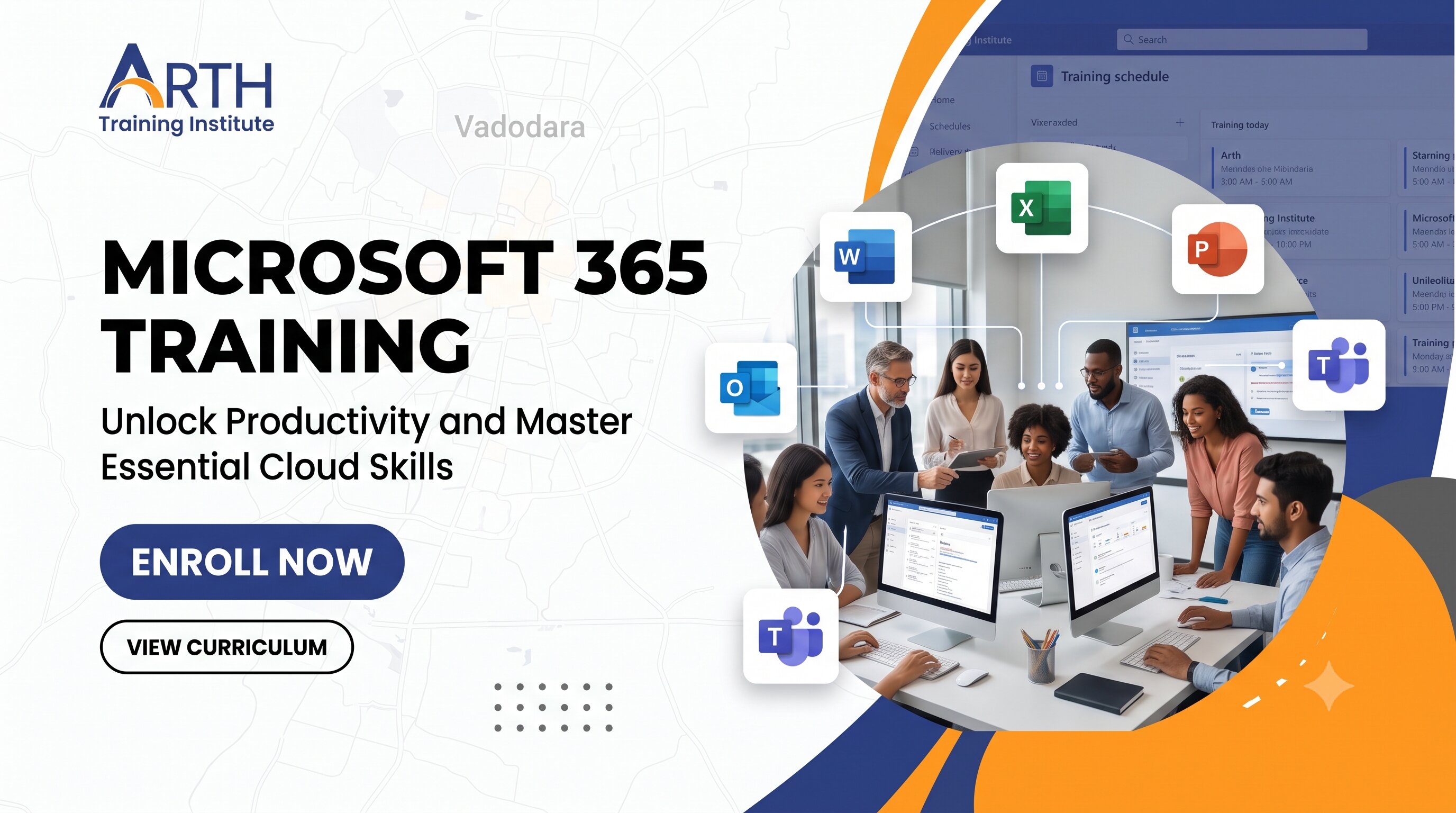
Microsoft 365 training classroom at Arth Training Institute, Vadodara

Why Choose Microsoft 365 Training at Arth Training Institute?

  • Learn practical day-to-day Microsoft 365 skills tailored for real corporate environments.
  • Train with experienced instructors who know exactly how businesses use these tools today.
  • Hands-on practice heavily focused on Advanced Excel, Teams, and SharePoint.
  • Flexible scheduling – Choose from online training or offline classroom sessions in Vadodara.
  • Dedicated certificate upon completion to validate your skills to employers.

Microsoft 365 Training Programs We Offer

Advanced Excel & Data Management

Stop doing manual data entry. Learn how to use VLOOKUP/XLOOKUP, Pivot Tables, conditional formatting, and basic macros to organize, analyze, and present data effectively.

Corporate Communication (Teams & Outlook)

Master the tools companies use to stay connected. Learn to schedule meetings, manage busy inboxes in Outlook, and collaborate seamlessly across departments using Microsoft Teams.

Cloud Collaboration (SharePoint & OneDrive)

Understand the difference between local storage and cloud storage. We cover document sharing, version history, and managing team sites on SharePoint so you never lose a file again.

Document & Presentation Mastery (Word & PowerPoint)

Create professional reports, format official documents in Word, and design compelling, impactful presentations using advanced PowerPoint features.

Who Should Join?

Our Microsoft 365 courses in Vadodara are ideal for:

  • Students and fresh graduates preparing for corporate jobs.
  • Administrative staff, HRs, and sales professionals wanting to speed up their workflow.
  • Data entry operators looking to upgrade their skills to Advanced Excel.
  • Business owners wanting to migrate their team's workflow to the Microsoft Cloud.
Microsoft 365 Training Overview

Our Microsoft 365 Training in Vadodara is designed to transition you from basic computer usage to an efficient, productive workflow using the world's most popular office suite. We cover the entire ecosystem, ensuring you understand how applications talk to one another.

Whether you need to crunch numbers in Excel, present ideas in PowerPoint, or manage remote teams via Teams and SharePoint, our real-world exercises will ensure you have the confidence to tackle any workplace task.

Prerequisites

  • Basic knowledge of operating a computer and using a web browser.
  • Familiarity with standard typing and mouse navigation.
  • A Microsoft account (can be created during the first session).
  • No prior advanced technical knowledge is required.

Key Highlights

  • Deep dive into Advanced Excel features
  • Mastering remote work with Microsoft Teams
  • Secure cloud file management with OneDrive
  • Time management with Outlook Calendar & Tasks
  • Automating simple tasks with Power Automate (Basics)
  • Building digital surveys with Microsoft Forms
  • Practical, scenario-based learning
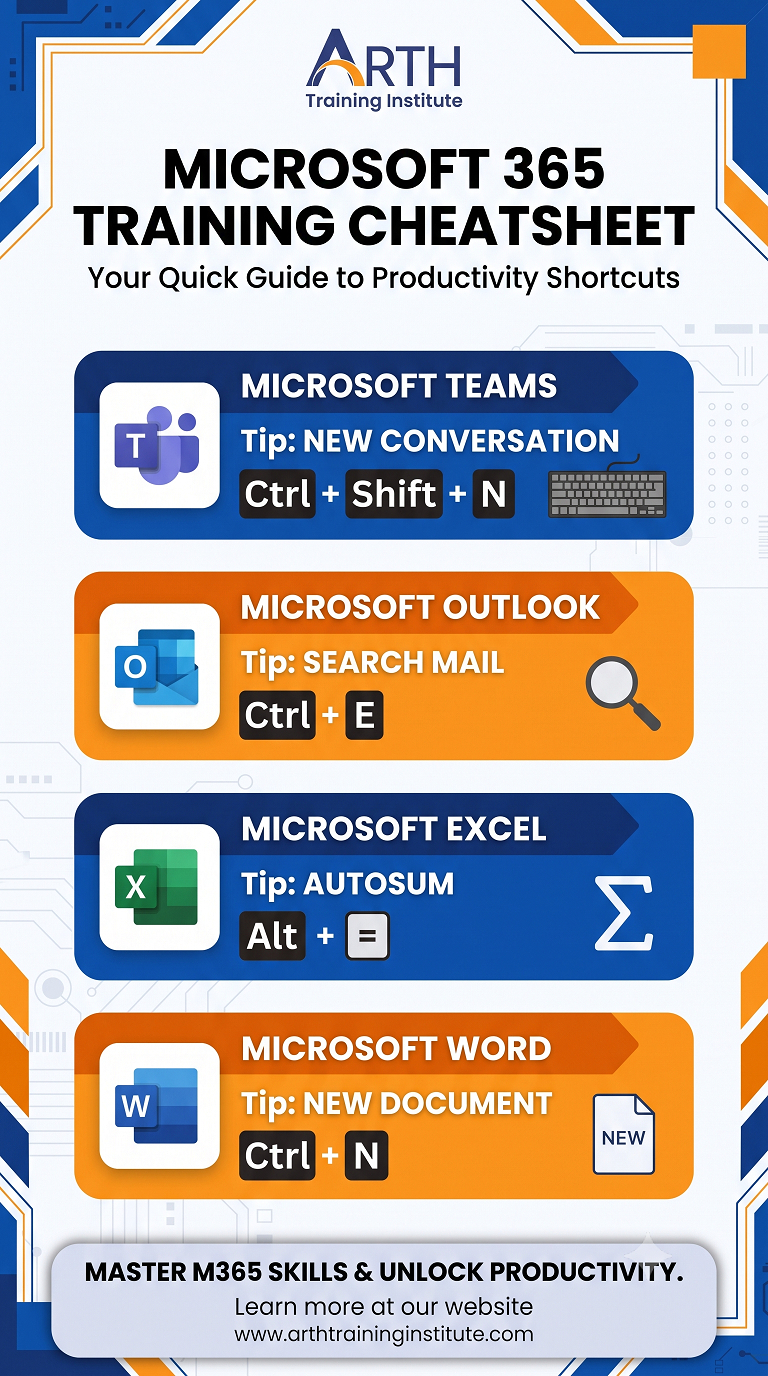
Microsoft 365 Training Cheatsheet

Course Content

The Microsoft 365 Training Program gives you the exact skills employers are looking for. Instead of just learning what buttons do, you will learn *how* to use the software to solve common business problems, like tracking project deadlines, cleaning up messy data, and setting up professional meetings.

Advanced Excel Module

  • Data entry best practices and formatting
  • Formulas & Functions (VLOOKUP, XLOOKUP, IF, INDEX/MATCH)
  • Pivot Tables and Pivot Charts
  • Data Validation and Conditional Formatting
  • Protecting sheets and workbooks
  • Introduction to Macros

Communication & Collaboration Module

  • Outlook: Managing inbox rules, scheduling, and delegation
  • Teams: Creating channels, hosting video calls, sharing files
  • OneDrive: Syncing local files to the cloud securely
  • SharePoint: Navigating team sites and document libraries

Microsoft 365 Apps Covered

Core Productivity
  • Microsoft Word
  • Microsoft Excel
  • Microsoft PowerPoint
Communication
  • Microsoft Outlook
  • Microsoft Teams
Cloud & Storage
  • OneDrive for Business
  • SharePoint Online
Task & Project Management
  • Microsoft Planner
  • Microsoft To Do
Data Collection & Automation (Basics)
  • Microsoft Forms
  • Power Automate (Overview)
Notes & Ideation
  • OneNote
  • Microsoft Whiteboard

Your Instructor

Learn from an industry expert with proven excellence in training, consulting, and mentoring.

Mr. Adarsh Patel
Mr. Adarsh Patel
Corporate Trainer & Business Consultant 15+ Years Experience

Education: MCA (2009), B.Com (Computer) (2006)

Experience: Over 15 years delivering corporate training, consulting, and mentoring across IT and digital transformation domains.

Recognized for designing practical, project-based learning experiences and helping 2000+ students & professionals build strong careers in technology.

  • Programming: PHP, Python, Java, C/C++, Dart, Android Development
  • Frameworks: Laravel, ReactJS, Flutter, ASP.NET
  • Databases: MySQL, MongoDB, SQL Server, Oracle
  • Digital Tools: SEO, CRM, ERP, WordPress, AI Tools (ChatGPT, Gemini)
  • Special Skills: Software Consulting, Digital Marketing, Project Management

Delivered 200+ Expert Lectures and 80+ Workshops across universities, training institutes, and corporate organizations. Medium of Communication will be in English, Hindi or Gujarati.

  • Hands-on coding bootcamps for web and app development
  • Industry seminars on ERP, CRM, and Digital Transformation
  • Special workshops for entrepreneurs on business automation

Advised startups and enterprises on technology adoption, ERP/CRM solutions, and workflow automation.

  • 150+ consulting assignments with SMEs and corporates
  • Expert in business process mapping and software deployment
  • Guided companies on digital marketing and automation strategy
  • Recognized with multiple Appreciation Certificates from universities and corporates
  • Collaborated with 50+ organizations for training & development
  • Trained 2000+ students and professionals successfully
  • Invited as keynote speaker at IT summits and business forums
View Full Profile

Frequently Asked Questions — Microsoft 365 Training

Traditional MS Office (like Office 2019 or 2021) is a one-time purchase installed on one computer. Microsoft 365 is a cloud-based subscription service. It includes all the familiar apps (Word, Excel, PPT) but adds powerful cloud collaboration tools like Teams, SharePoint, and OneDrive, meaning you can access your work from any device, anywhere.
Yes! Advanced Excel is a major component of this training. We cover logical formulas, VLOOKUP, XLOOKUP, Pivot Tables, conditional formatting, and data validation to ensure you can handle complex corporate data tasks confidently.
Absolutely. We start with the basics of document creation and formatting before moving into the more complex cloud and data analysis features. If you know how to operate a computer, you are ready for this course.
We offer:
  • Classroom training: At our Vadodara center.
  • Live online: Interactive virtual classes for remote learners.
  • Onsite corporate: Customized workshops at your office premises for employee training.
Yes. Every participant successfully finishing the course receives a Certificate of Completion from Arth Training Institute, which adds strong value to your resume.
Fees depend on the chosen mode (Online vs. Offline) and whether it is an individual enrollment or a corporate group batch. Please check the Fees Structure section or contact our counseling team for the exact pricing.

Fees Structure

Our fees structure is designed to be flexible and depends on the selected training modules and the type of audience. We provide training at our institute for individuals as well as groups of working professionals. Additionally, our trainers can also conduct onsite corporate training in Vadodara and nearby cities at company or organization offices.

  • Regular Batch (1 Module) (1 Months) – ₹6,000/-
  • Online Batch (1 Module)(2 Months) – ₹4,000/-
  • Person 1-2-1 (Per Hour) – ₹1,000/-
  • Group Enrollment – Discounted fees available
  • Weekend Batch – Different fee structure (contact us for details)
  • Faculty Development Program – Customized fees
  • Industrial Training / Corporate Training – Customized fees

Recent Feedback and Reviews

★★★★☆ 4.8 (Based on 333 Google Reviews)

Share with Your Friends: