Google Workspace Training in Vadodara – Boost Business Productivity

Arth Training Institute provides comprehensive Google Workspace (G Suite) certification and training in Vadodara. Learn to collaborate seamlessly, manage users securely, and integrate powerful AI tools into your daily workflow. Online & classroom batches available.

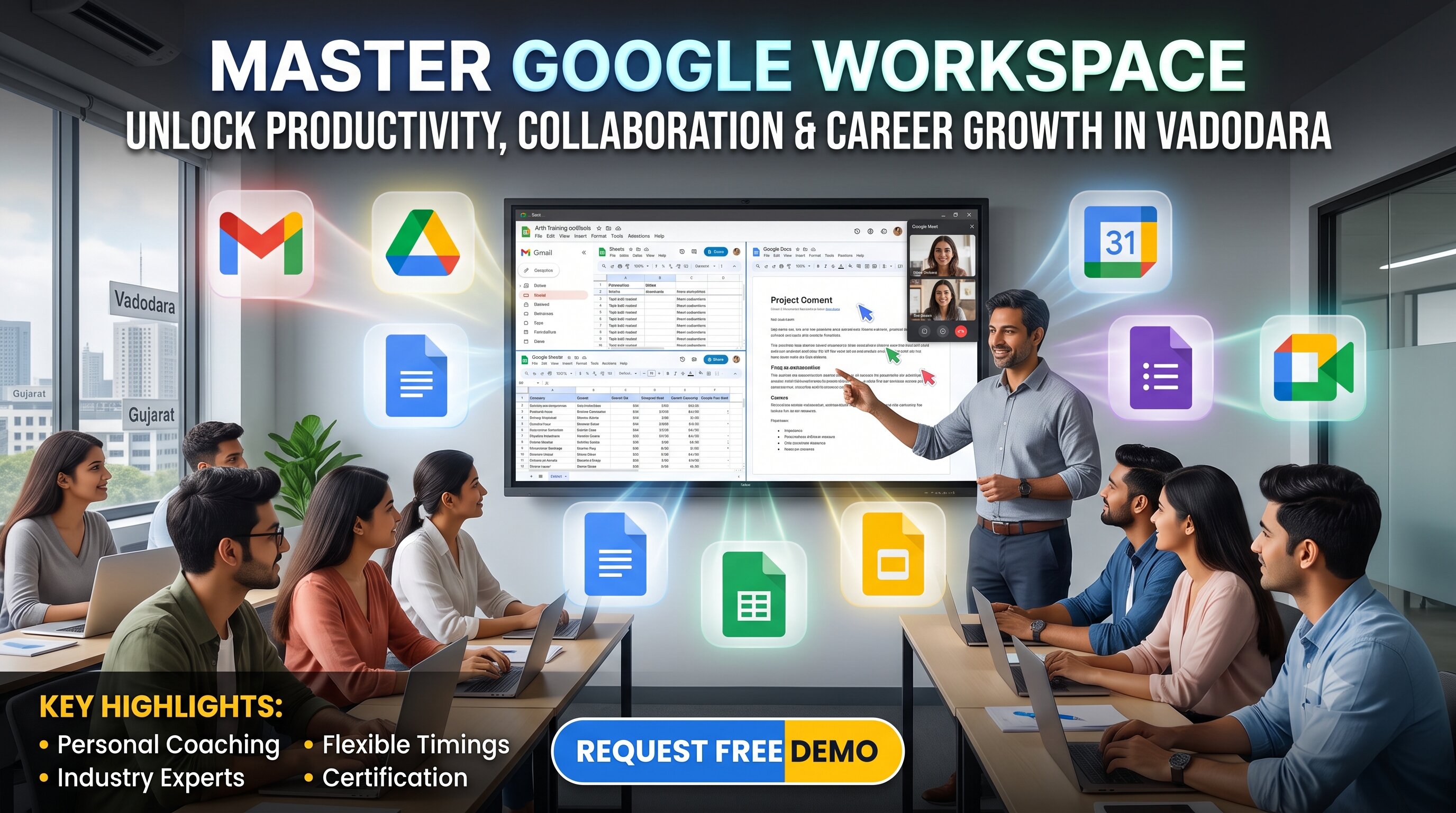
Google Workspace training classroom at Arth Training Institute, Vadodara

Why Choose Google Workspace Training at Arth Training Institute?

  • Industry-focused Google Workspace training programs built for modern office productivity and seamless collaboration.
  • Learn directly from experienced cloud-certified professionals and corporate trainers.
  • Hands-on practice managing domains, security settings, and migrating data.
  • Flexible learning paths – customized corporate training and individual classroom sessions in Vadodara.
  • Certification guidance to validate your cloud administration skills in the job market.

Google Workspace Programs We Offer

Google Workspace User Productivity Course

Designed for corporate staff, students, and professionals to master everyday tools. Learn advanced tips for Gmail, Calendar, Drive, Docs, Sheets, and Google Meet to save time and work smarter.

Google Workspace Admin Console Training

Perfect for IT administrators and business owners. Dive deep into domain management, user provisioning, organizational units (OUs), email routing, security configurations, and mobile device management (MDM).

Corporate Staff Training Programs

Transitioning your company to Google Workspace? Our trainers offer tailored, onsite onboarding sessions to ensure your assistant managers and staff adopt the new ecosystem without friction.

AI & Automation Integration

Stay ahead of the curve. Learn how to utilize Gemini for Google Workspace and Apps Script to automate routine tasks, draft emails, format sheets, and generate content faster than ever.

Who Should Join?

Our Google Workspace training programs in Vadodara are ideal for:

  • IT Support professionals and System Administrators upgrading to cloud infrastructure.
  • Business owners aiming to secure corporate data and streamline internal communications.
  • Executive assistants and managers wanting to optimize meeting schedules and data tracking.
  • Students looking to add essential corporate software skills to their resumes.
Course Overview

Our Google Workspace Training in Vadodara delivers a complete learning roadmap for mastering Google’s powerful suite of cloud-based productivity and collaboration tools. From configuring basic settings to managing enterprise-level security, this course covers it all.

Whether you are an individual wanting to increase daily efficiency or a company seeking to upskill its workforce, our practical, scenario-based approach ensures you can immediately apply what you learn to real business environments and administrative tasks.

Prerequisites

  • Basic computer and internet literacy.
  • A valid Google account (personal or organizational).
  • For Admin training: Basic understanding of domains and web hosting is advantageous but not strictly required.

Key Highlights

  • In-depth coverage of all core Google Workspace apps.
  • Real-time collaboration techniques and version control.
  • Admin Console navigation and policy enforcement.
  • Data migration and backup strategies (Google Vault).
  • Introduction to AI tools like Gemini within Workspace.
  • Focus on data security, 2-Step Verification, and compliance.
Google Workspace Apps Cheatsheet

Course Content

Our curriculum is structured to cover both the front-end user experience and the back-end administrative controls. You will learn to establish robust communication channels, secure company data, and automate reporting using Google's cloud ecosystem.

Google Workspace User Productivity Content

  • Introduction: Cloud computing basics, navigating the App Launcher.
  • Communication: Advanced Gmail filtering, Smart Compose, Google Meet scheduling & recording, Google Chat spaces.
  • Time Management: Google Calendar sharing, appointment scheduling, out-of-office settings.
  • Cloud Storage: Google Drive organization, shared drives, file permissions, and offline access.
  • Content Creation: Docs formatting, Sheets functions/pivot tables, Slides presentations, Forms for data collection.

Google Workspace Admin Console Content

  • Initial Setup: Domain verification, adding users, setting up organizational units (OUs).
  • Security & Identity: Password policies, enforcing 2-Step Verification (2SV), SSO basics.
  • Device Management: Endpoint management for company-owned and personal (BYOD) devices.
  • App Controls: Managing access to third-party apps, core Google service toggles.
  • Compliance & Reports: Audit logs, email routing, Google Vault basics for eDiscovery.

Google Workspace Tools Covered

Connect & Communicate
  • Gmail (Business Email)
  • Google Meet (Video Conferencing)
  • Google Chat (Team Messaging)
  • Google Calendar (Scheduling)
  • Google Voice (Cloud Telephony)
Create & Collaborate
  • Google Docs (Word Processing)
  • Google Sheets (Spreadsheets & Data)
  • Google Slides (Presentations)
  • Google Forms (Surveys & Quizzes)
  • Google Sites (Website Builder)
  • Google Keep (Notes & Lists)
Store & Access
  • Google Drive (Cloud Storage)
  • Shared Drives (Team Storage)
  • Google Cloud Search (Enterprise Search)
Control & Secure (Admin)
  • Admin Console (Centralized Management)
  • Endpoint Management (Mobile/Device Control)
  • Google Vault (Data Retention & eDiscovery)
  • Work Insights (Adoption Reporting)
Innovation & AI
  • Gemini for Workspace (AI text drafting, data organization, image generation in apps)
  • Google Apps Script (Basic Automation)

Your Instructor

Learn from an industry expert with proven excellence in training, consulting, and mentoring.

Mr. Adarsh Patel
Mr. Adarsh Patel
Corporate Trainer & Business Consultant 15+ Years Experience

Education: MCA (2009), B.Com (Computer) (2006)

Experience: Over 15 years delivering corporate training, consulting, and mentoring across IT and digital transformation domains.

Recognized for designing practical, project-based learning experiences and helping 2000+ students & professionals build strong careers in technology.

  • Programming: PHP, Python, Java, C/C++, Dart, Android Development
  • Frameworks: Laravel, ReactJS, Flutter, ASP.NET
  • Databases: MySQL, MongoDB, SQL Server, Oracle
  • Digital Tools: Google Workspace, SEO, CRM, ERP, WordPress, AI Tools (Gemini, ChatGPT)
  • Special Skills: Software Consulting, Digital Marketing, Project Management

Delivered 200+ Expert Lectures and 80+ Workshops across universities, training institutes, and corporate organizations. Medium of Communication will be in English, Hindi, or Gujarati.

  • Hands-on bootcamps for web development and cloud productivity tools
  • Industry seminars on AI integration and Digital Transformation
  • Special workshops for entrepreneurs on business automation

Advised startups and enterprises on technology adoption, Google Workspace migration, and workflow automation.

  • 150+ consulting assignments with SMEs and corporates
  • Expert in business process mapping and software deployment
  • Guided companies on digital marketing and AI strategy
  • Recognized with multiple Appreciation Certificates from universities and corporates
  • Collaborated with 50+ organizations for training & development
  • Trained 2000+ students and professionals successfully
  • Invited as keynote speaker at IT summits and business forums
View Full Profile

Frequently Asked Questions — Google Workspace Training

Course duration varies based on your requirements:
  • Intensive Corporate Bootcamps: 1-2 weeks
  • Regular / Weekend Batches: 4-6 weeks (comprehensive User + Admin training)
  • Module-wise: Custom schedules tailored per individual or client.
We cover all core applications: Gmail, Google Drive, Docs, Sheets, Slides, Forms, Meet, Chat, Sites, and Keep. For IT tracks, we dive heavily into the Google Admin Console and Google Vault.
For User Productivity training, basic computer literacy is all you need. For the Workspace Admin Console modules, a fundamental understanding of IT networks, domains, and DNS settings is helpful but can be taught during the course.
Absolutely. We regularly conduct customized onsite corporate sessions for businesses transitioning to Google Workspace. We tailor the curriculum to match your company's workflows, whether for assistant managers, HR, or sales teams.
Yes, you will earn a certificate of completion from Arth Training Institute. We also provide strategic guidance if you intend to sit for official Google Cloud certification exams.

Fees Structure

Our fees structure is highly flexible, depending on whether you are seeking standard user training or comprehensive Admin Console mastery. We cater to individual students, working professionals, and onsite corporate groups in and around Vadodara.

  • Regular Batch (1 Module) (1 Month) – ₹6,000/-
  • Online Batch (1 Module) (2 Months) – ₹4,000/-
  • Person 1-2-1 (Per Hour) – ₹1,000/-
  • Group / Corporate Enrollment – Discounted fees available
  • Weekend Batch – Contact us for details
  • Industrial / Corporate Migration Training – Customized quotes

Recent Feedback and Reviews

★★★★☆ 4.8 (Based on 333 Google Reviews)

Share with Your Friends: